
Try Out The Free Blocks Library
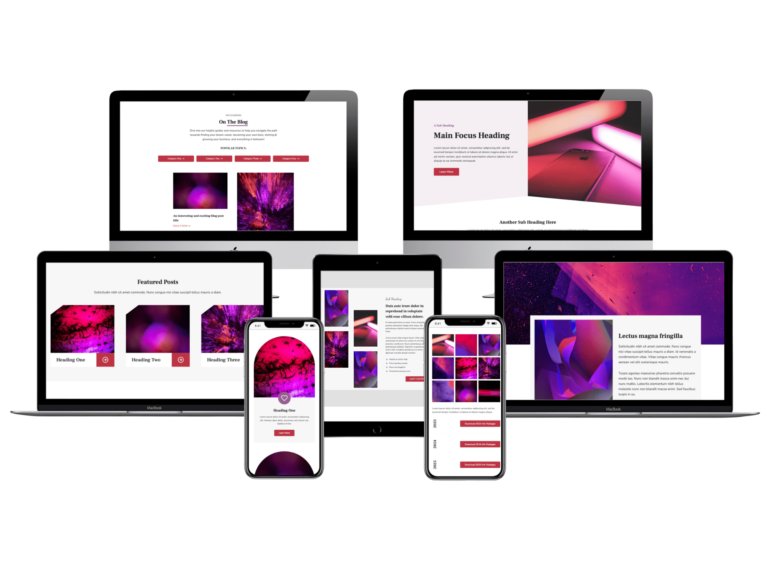
What’s Included:
So Why This Blocks Library?
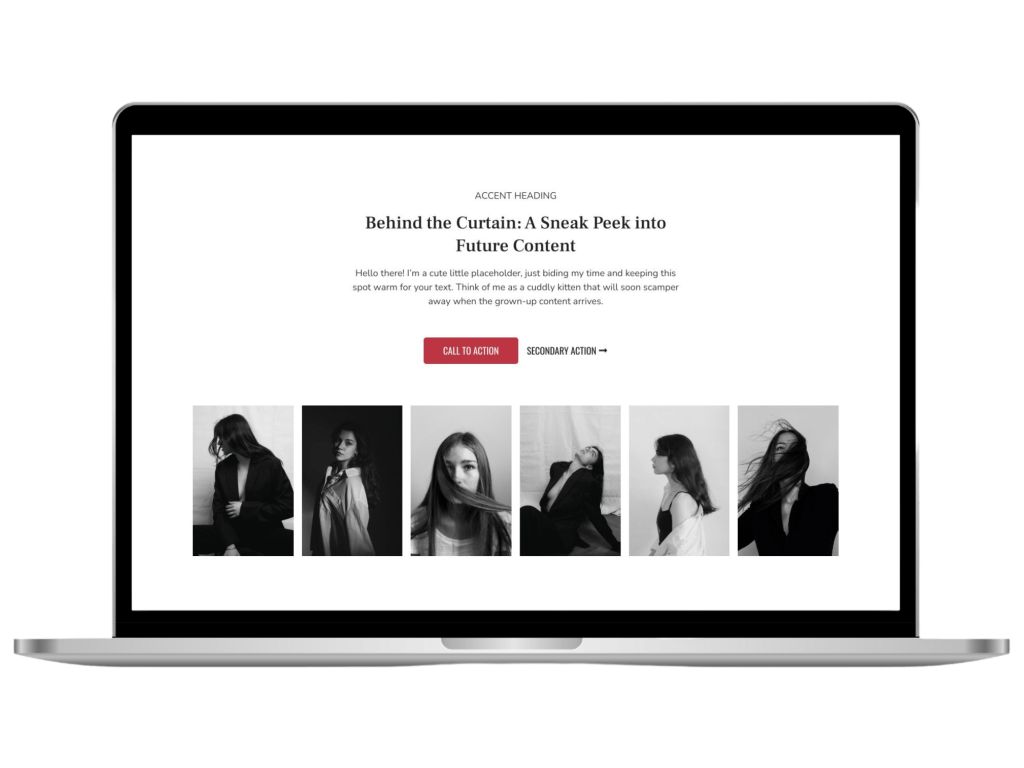
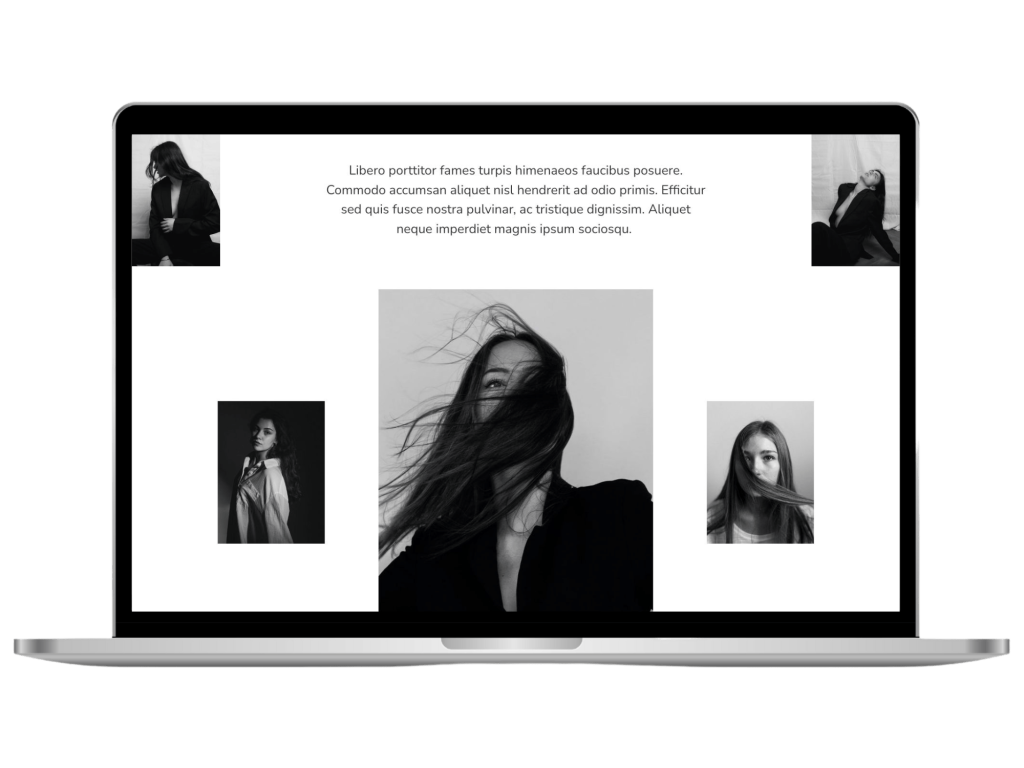
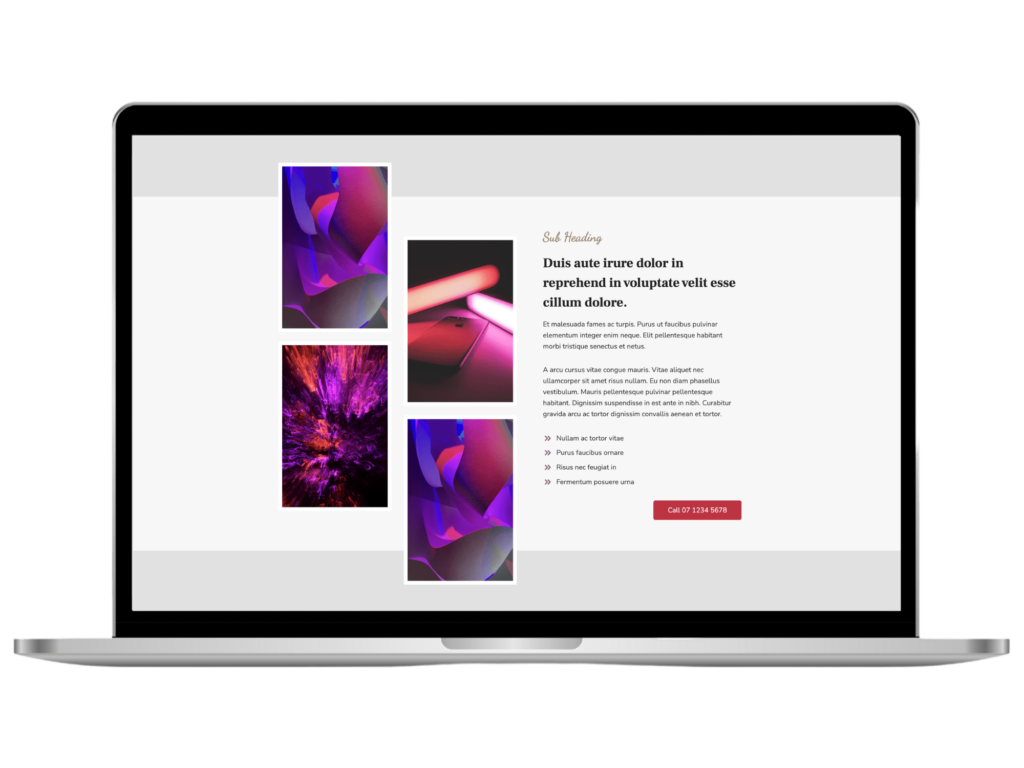
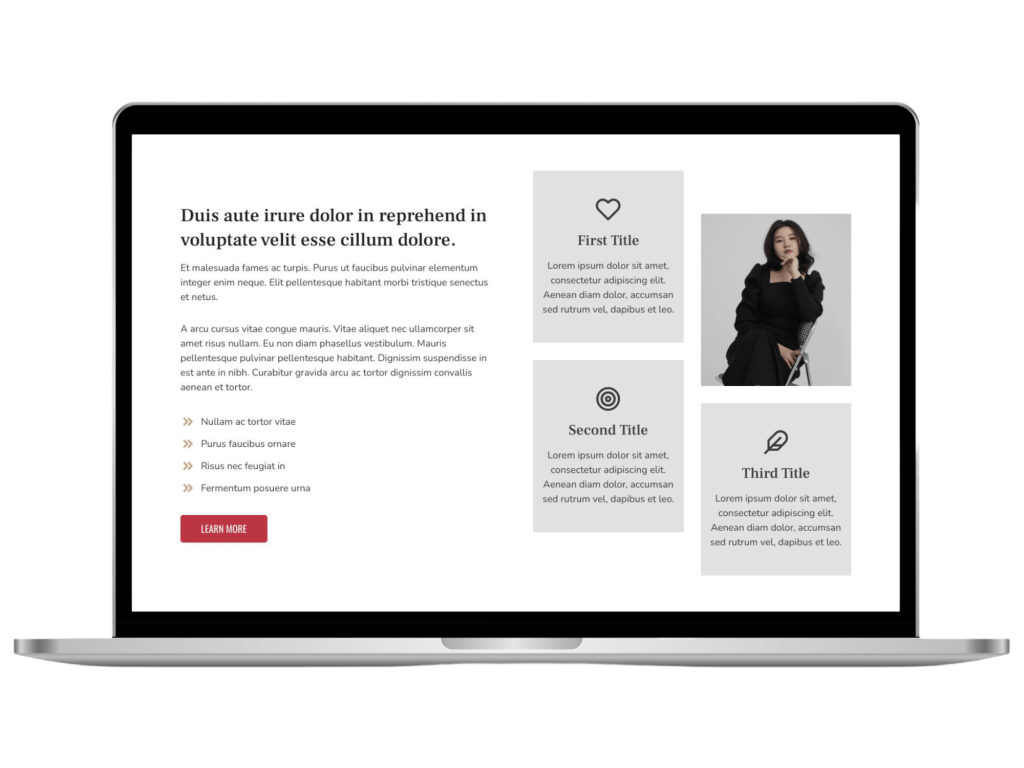
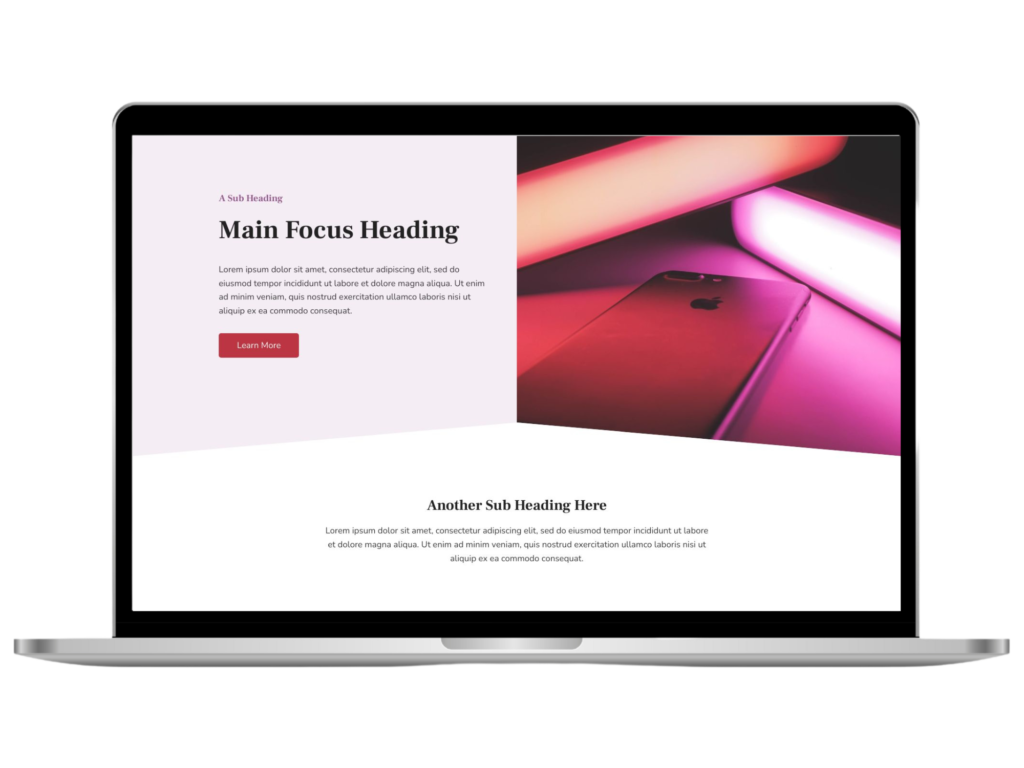
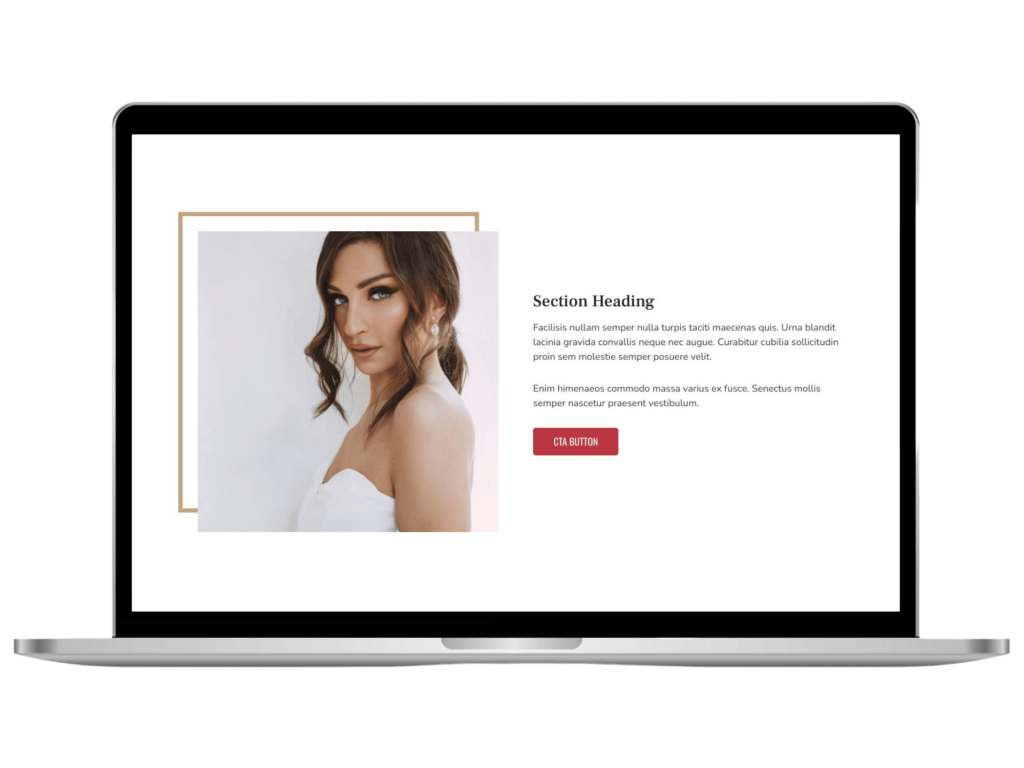
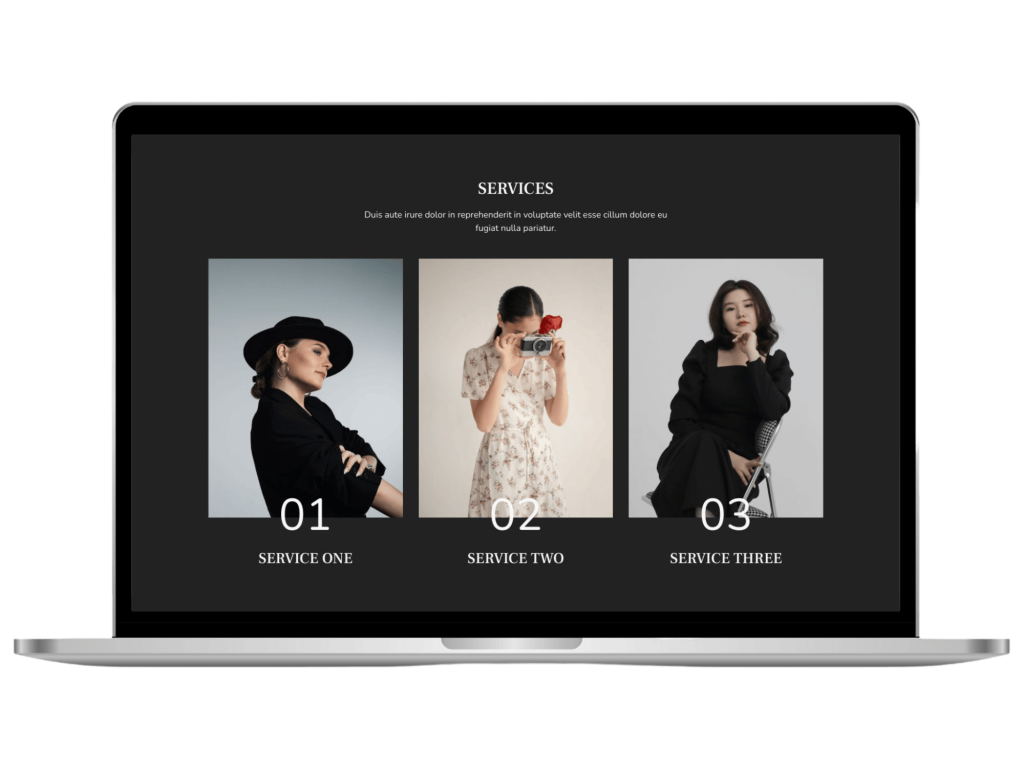
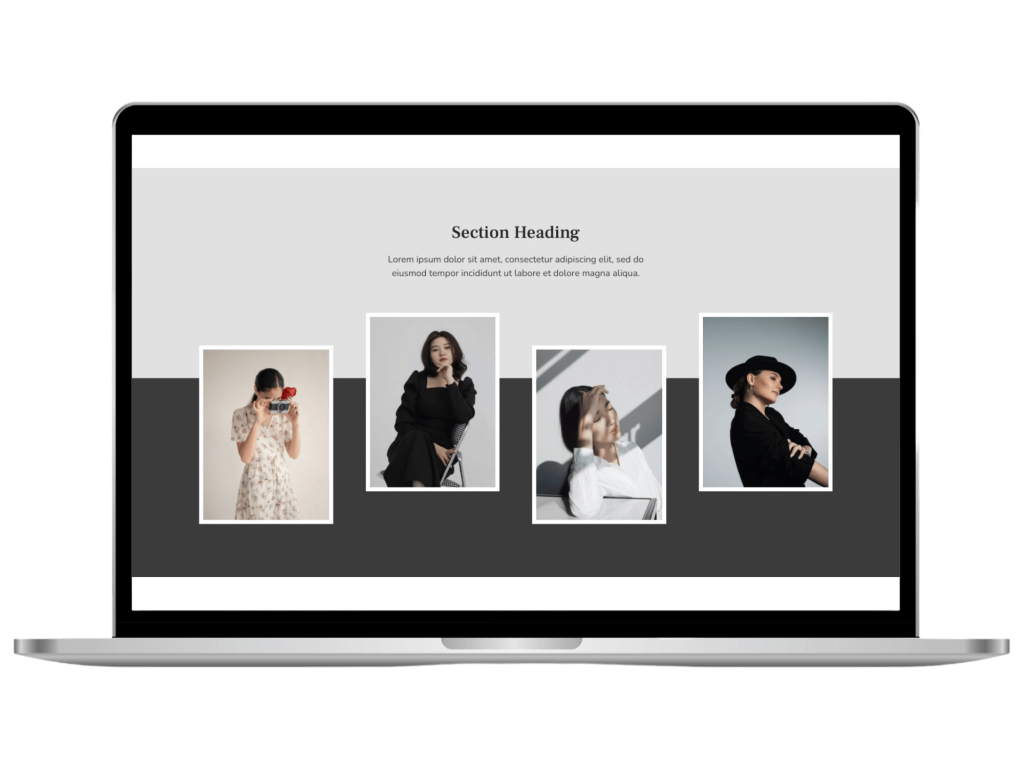
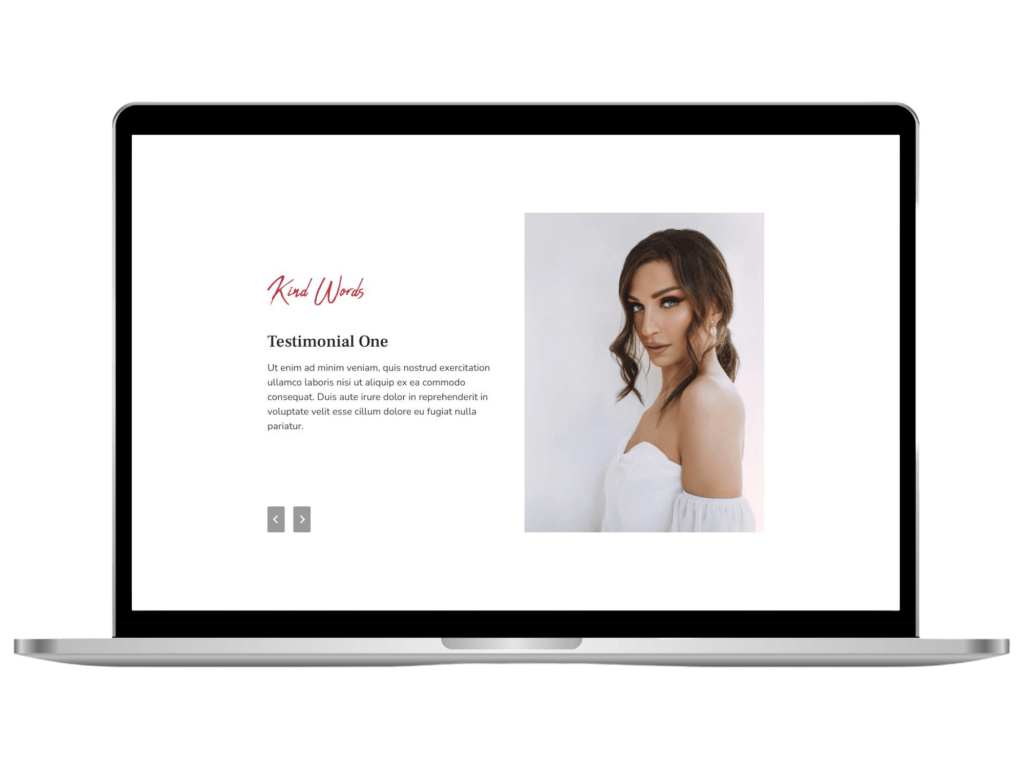
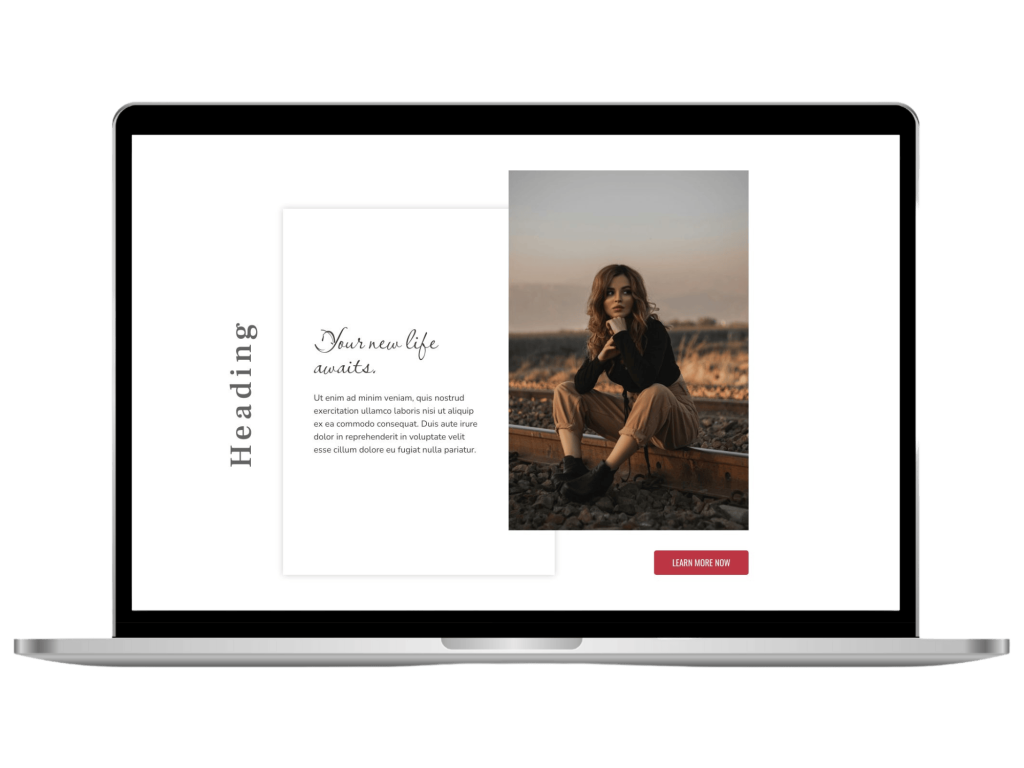
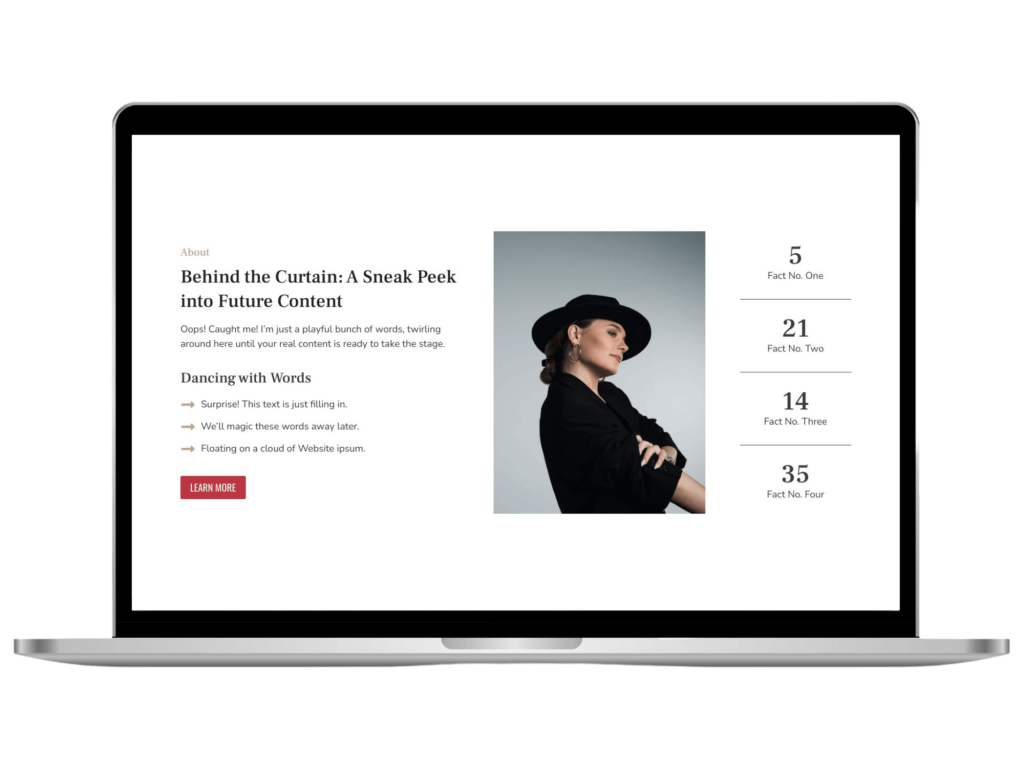
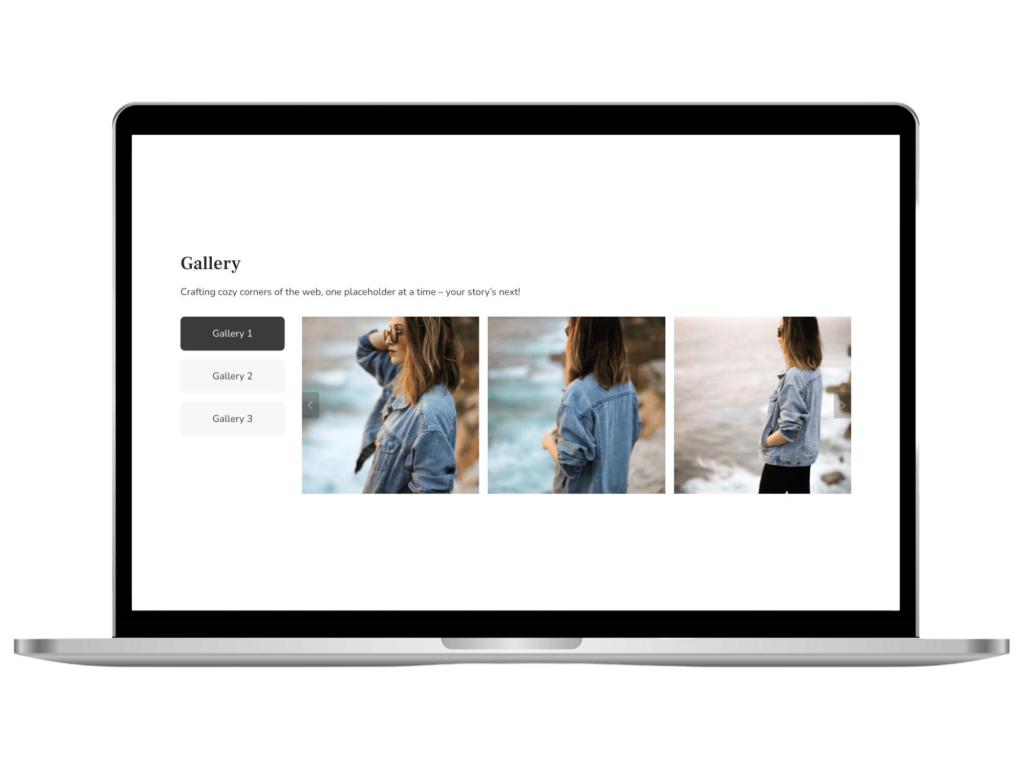
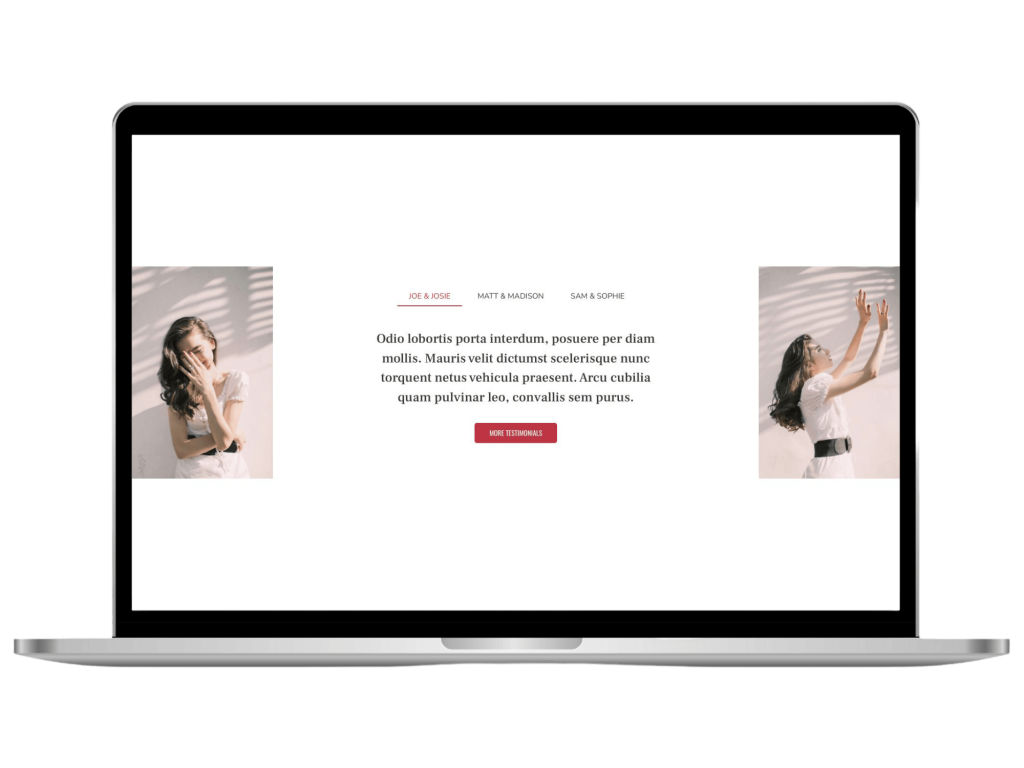
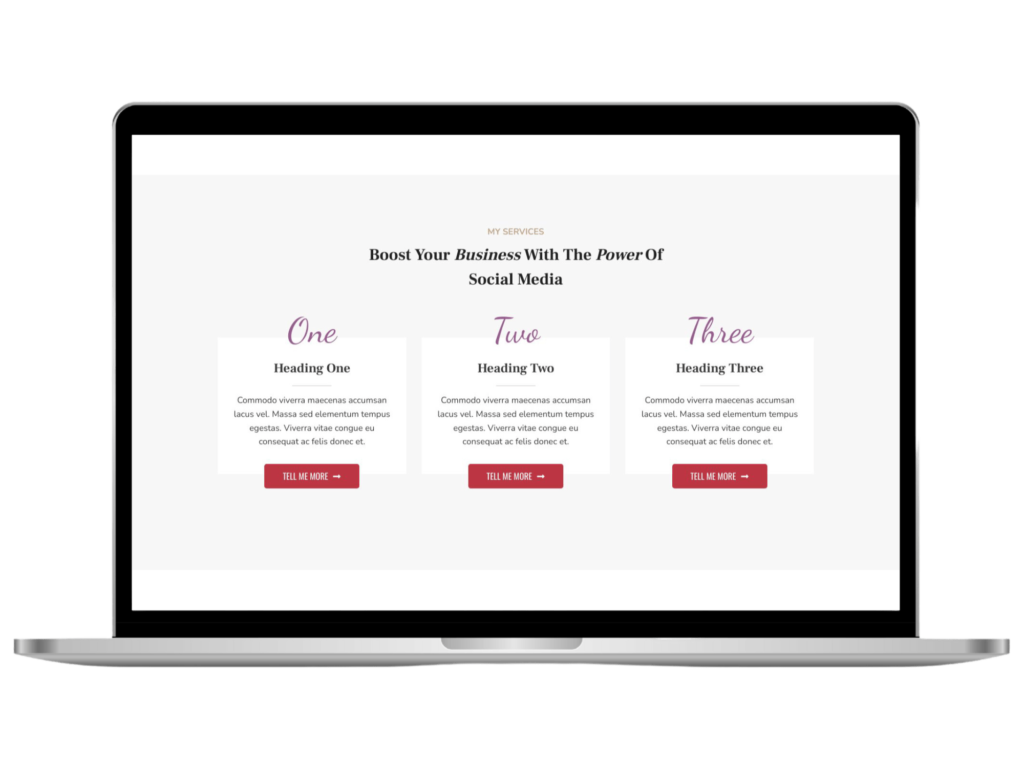
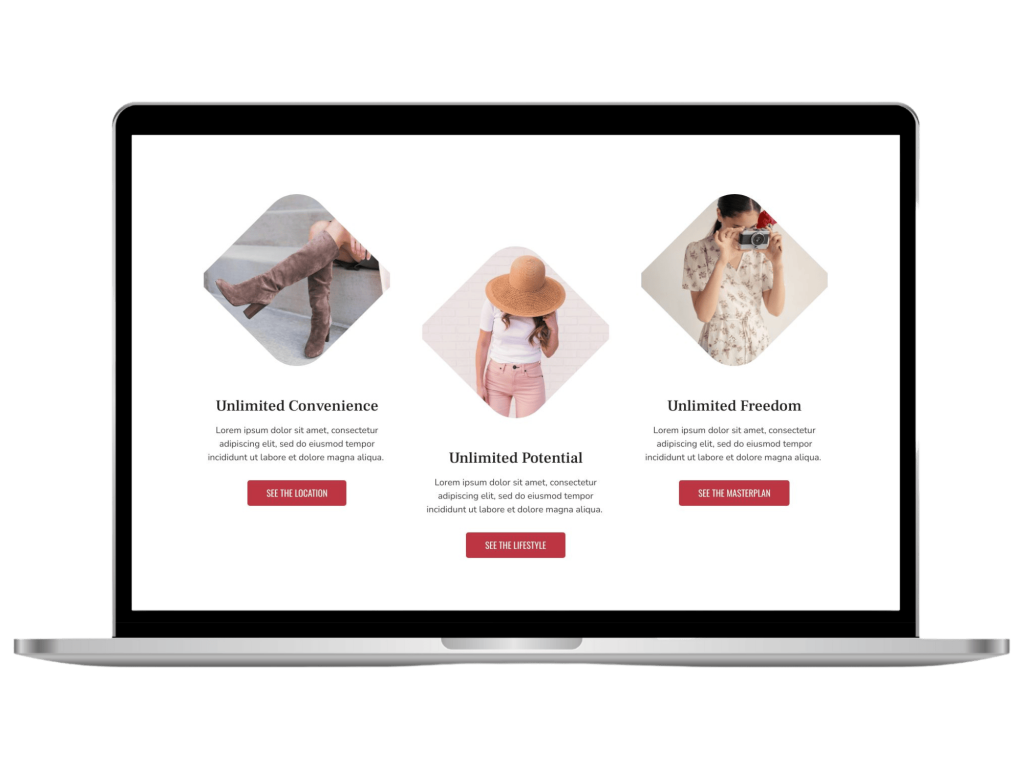
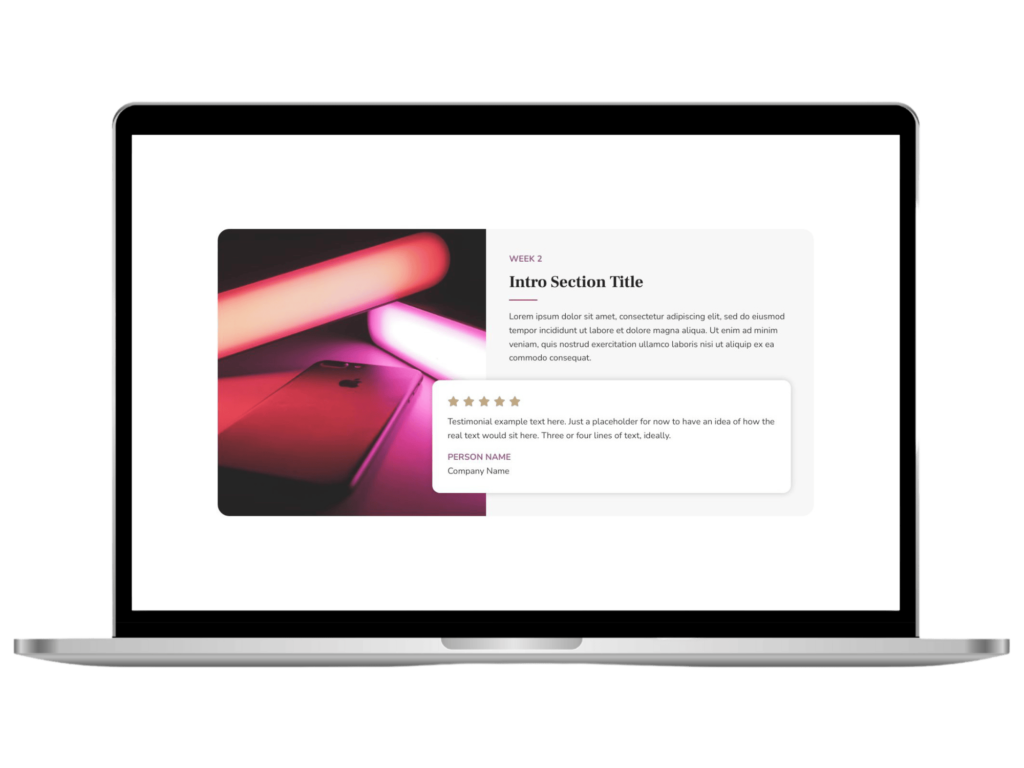
This is my collection of miscellaneous block layouts that can be used to help build out unique and interesting WordPress websites. When I see a cool design out in the wild, I like to re-create it using blocks to see if it’s first of all possible (or at least somewhat easy to do) and to improve my own knowledge and skillset.
I’m not claiming to be an all knowing expert and sometimes these may be designed a little different to how someone else might do it. I’ve also aimed to consider responsiveness as best as possible and for them to adapt to other sites with different theme settings. For some layouts though, you may still need to adjust them a little to match your requirements.
The majority of the designs I add to the Library will be Kadence Blocks based, though over time I aim to add other free block plugins into the mix as some offer nice features not (yet?) available in Kadence Blocks.
Lastly, remember individual layouts can often be achieved using many different building methods. These are just the ones that I’ve tried out and work for how I like to design.
I hope they help you on your web design journey!
Block Library Demo
Want to see all available layouts live in action?
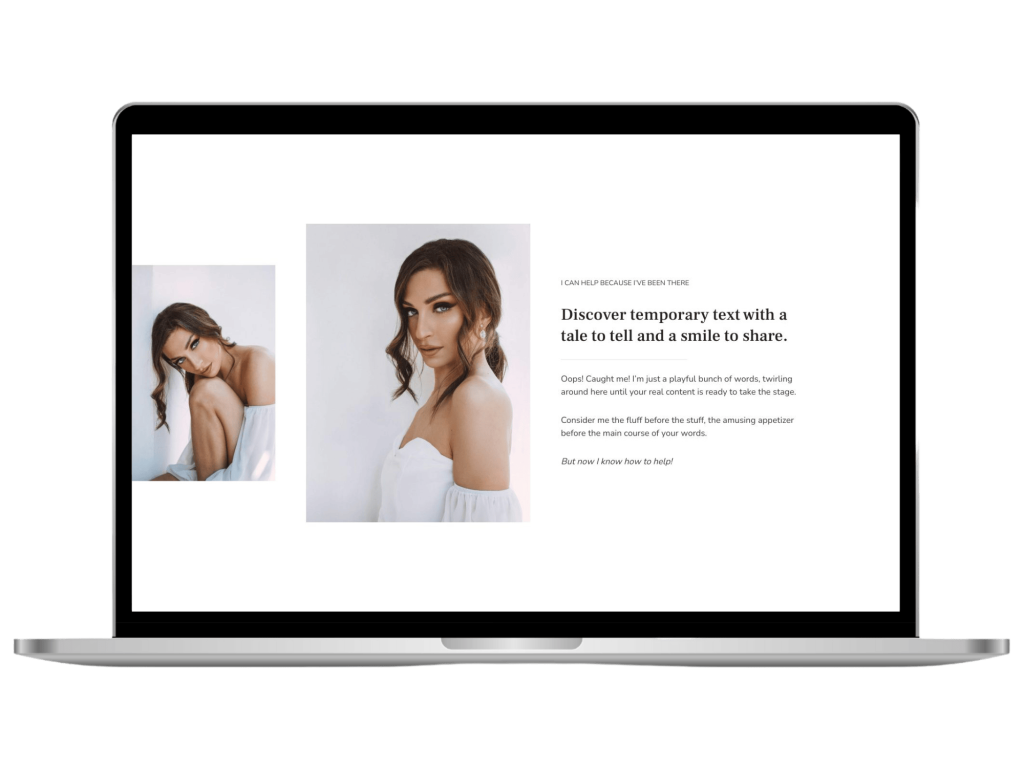
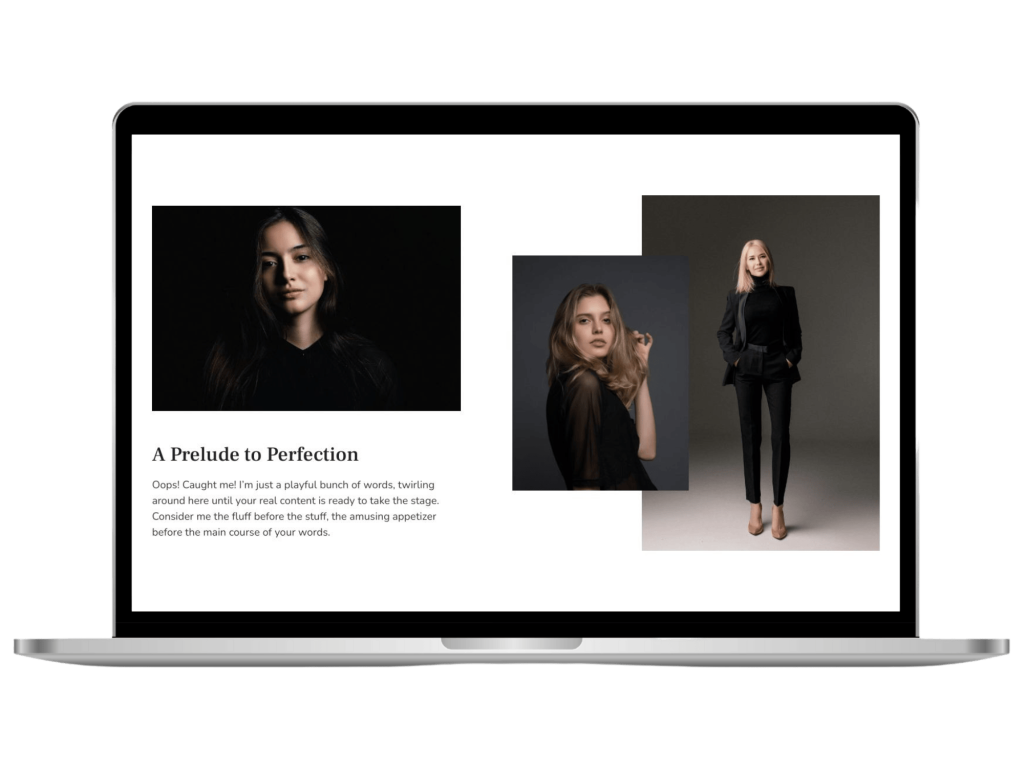
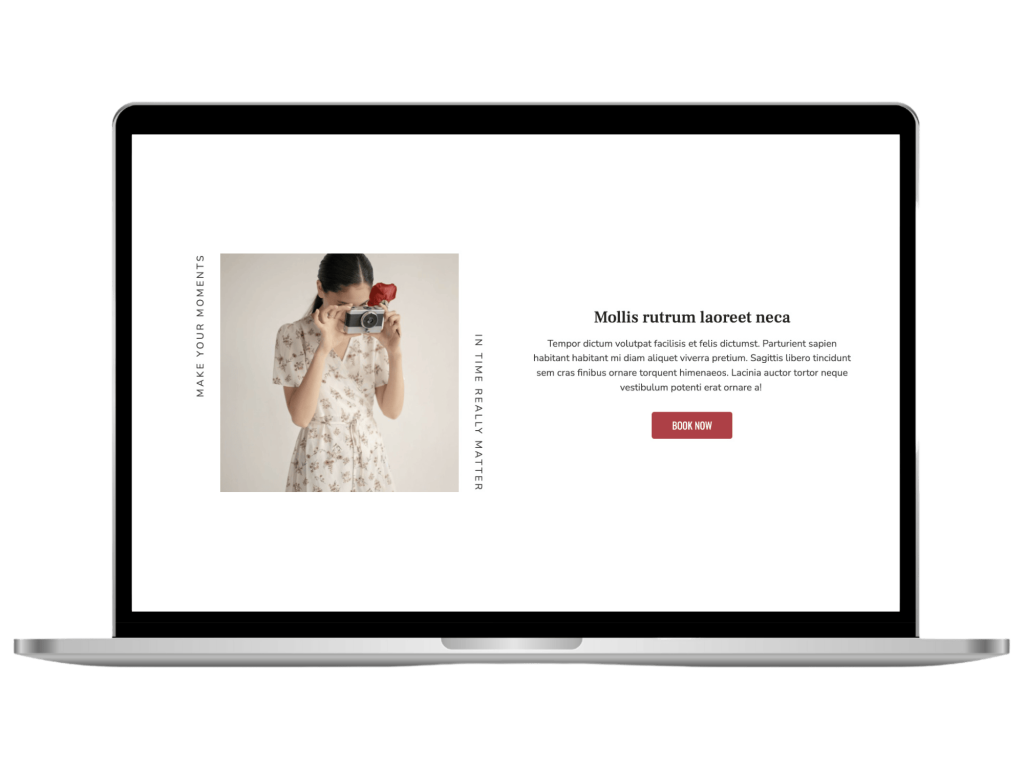
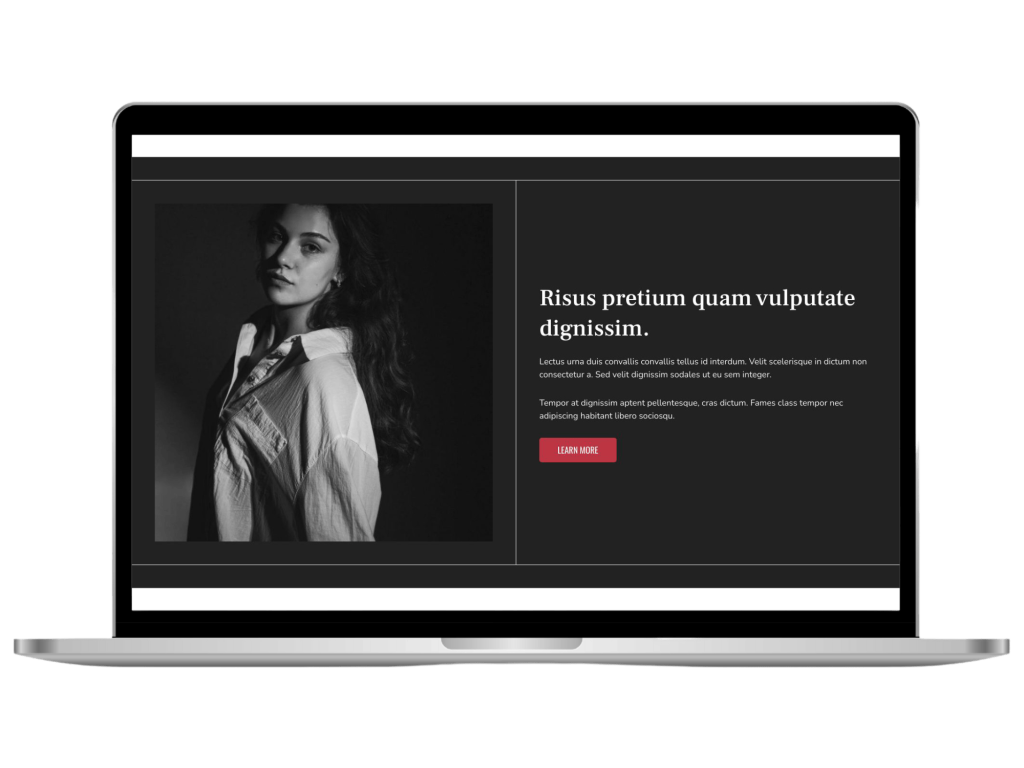
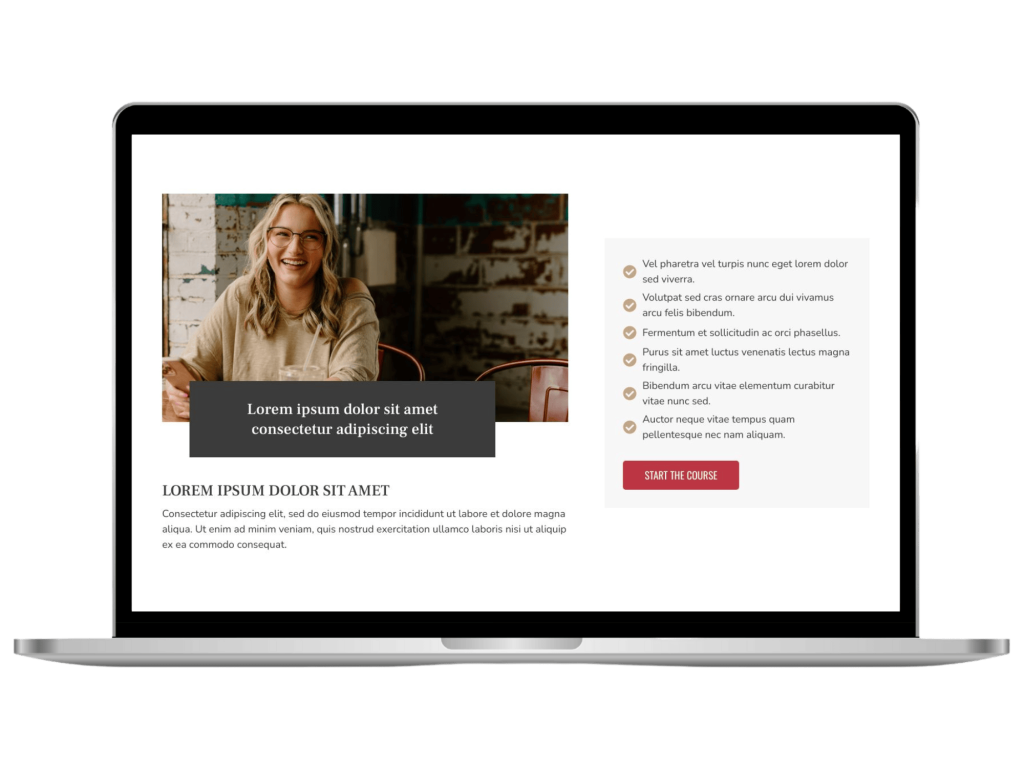
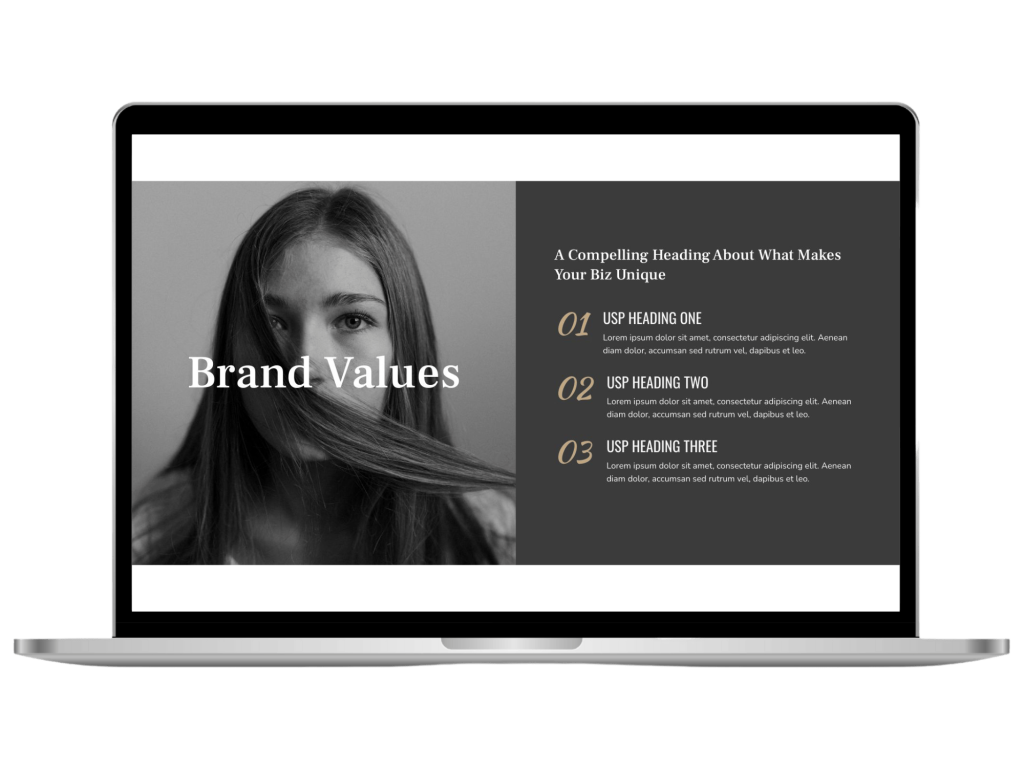
Get started building gorgeous sites with access to my FREE blocks library.
How It Works
Not sure how a “blocks library” functions? It only takes a few simple steps to get you started building gorgeous page layouts.
01
Sign Up / Purchase
Purchase the Pro Library or sign up for the free version to get started. Then install the Kadence Blocks plugin. You can get started with the free version in the WordPress Repository.
02
Connect To Library
You’ll be sent an email with details on how to connect to our Cloud Library which is where you will be able to view and download the different layouts. There will also be a video to show you how to open up the Kadence design library to add your connection details.
03
Start Building
Find your preferred layout by searching through the different categories available and select the one you want to import. It will update to reflect your themes colours and fonts. Then simply adjust your images and text to make it truly yours.
Or grab the free library to get started.
Some of the Pro Layouts include the use of the Kadence Blocks Pro plugin. You will need to purchase this plugin add-on directly from Kadence if you want to use them.
Block Library FAQs
Some common questions you may have:
If the above doesn’t answer what you want to know, please send me a message and will let you know any further details that will help with your decision.